
FlowFi
Financials Dashboard & AI Assistant puts a company's whole financial picture next to QuickBooks
About
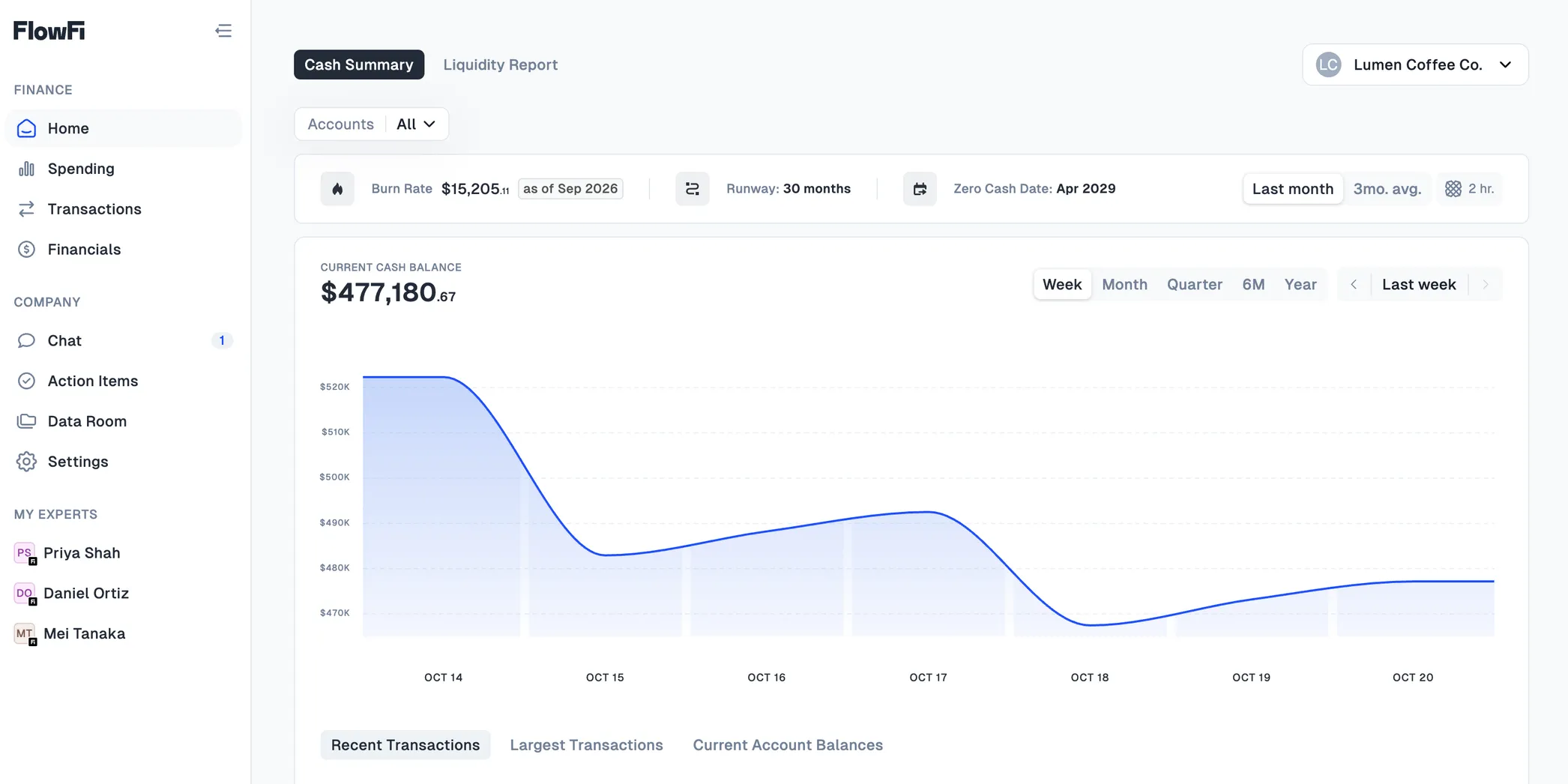
FlowFi gives financial experts one place to see how a company is doing, built on its QuickBooks and bank data. I built the app's financial reports and the whole Chrome extension, including an AI assistant that sits right next to QuickBooks and knows the company's numbers.
Client
FlowFi provides financial services, plus software that gives financial experts a clear view of a company's finances and speeds up bookkeeping in tools like QuickBooks.
Challenge
The data experts need is spread across QuickBooks and bank accounts, and none of it is shaped to answer questions like "how much runway do we have?" Experts also spend their day in QuickBooks, so the answers had to be there, not in yet another tab.
Results
Experts get clear reports they can compare month by month and drill into, right down to the transactions behind each number. Inside QuickBooks, the assistant answers questions about burn, runway or spending in seconds, using the company's real data.
Technical breakdown
Financials you can drill into
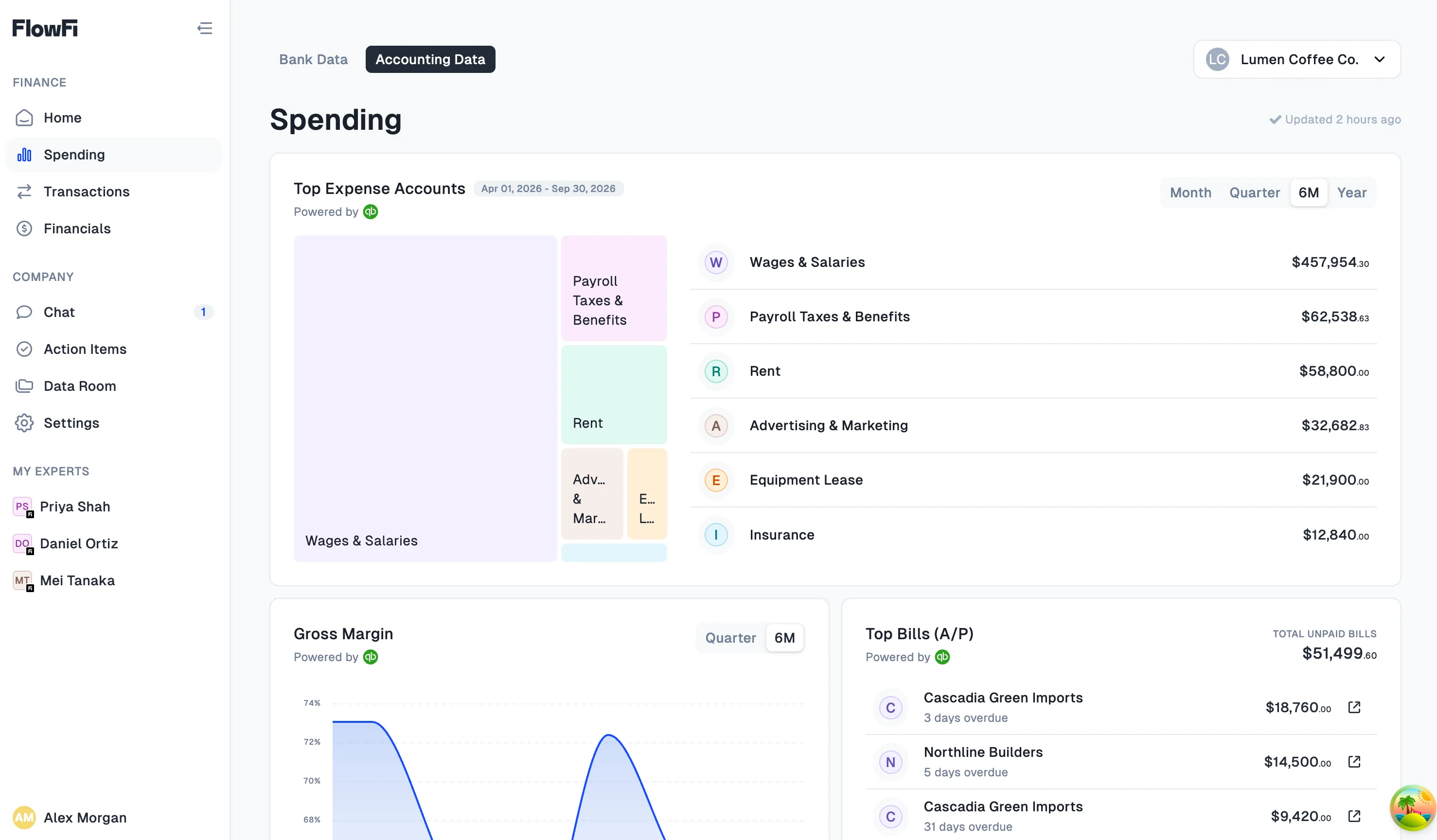
Profit and loss, balance sheet, cash flow, and A/R and A/P aging, by year to date, year over year or month over month. Compare mode shows how each line changed. Click any number to see the transactions behind it, next to the ones from the previous period.
A Chrome extension next to QuickBooks
Experts can switch between client workspaces, check business details while bookkeeping and save bookmarks, all without leaving QuickBooks.
An AI assistant that knows the books
The assistant is the heart of the extension. It reads the company's QuickBooks data plus its bank transactions from Plaid, so it answers questions about burn, runway or spending with real numbers and explains what's behind them.
An ELT pipeline for better data
Raw QuickBooks and bank data isn't built for financial analysis. I set up an ELT pipeline that loads it as is, then turns it into models experts can actually work with. The dashboard and the assistant both read from those.
What’s next?
View All Works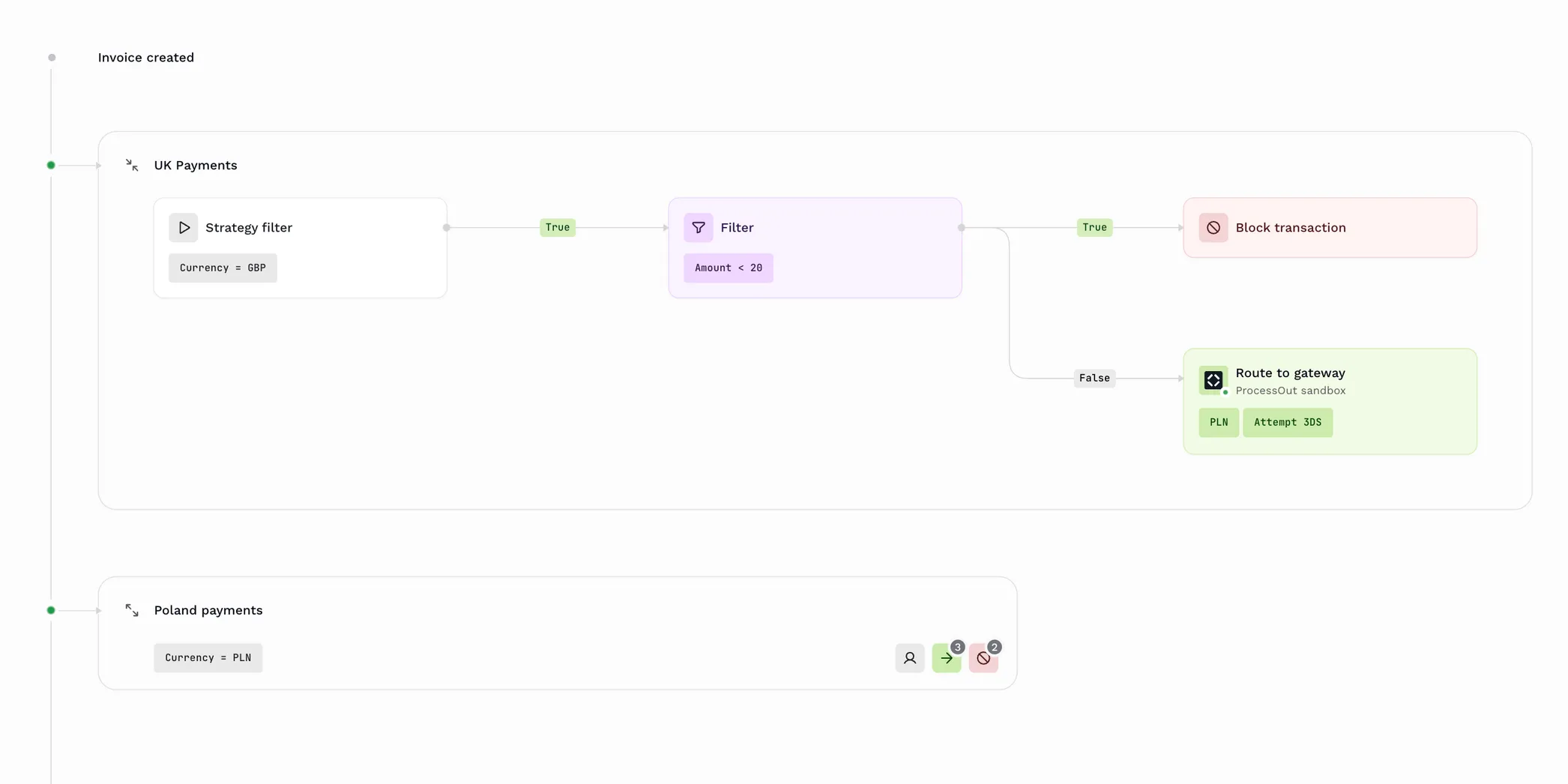
Payment Routing
ProcessOut · Web Apps
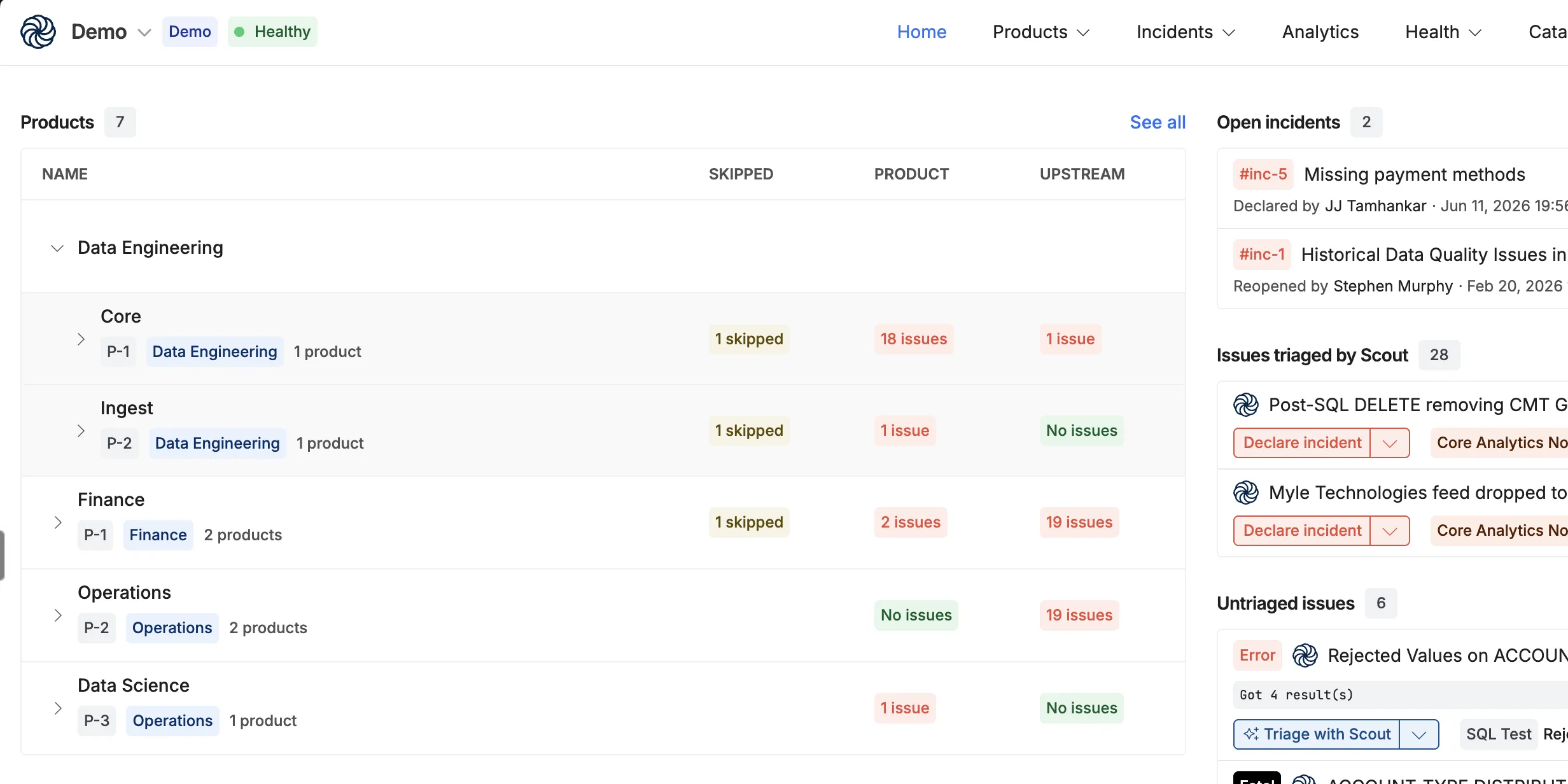
Quality Platform 2.0
Coalesce · Web Apps
Have an idea?